Cookbook
Ready-to-run examples for common thumbnail and social card formats. Each recipe uses real quickthumb code you can copy, adapt, and run locally.
Gallery
| YouTube Thumbnail | Burnout Theme | Instagram News Card |
|---|---|---|
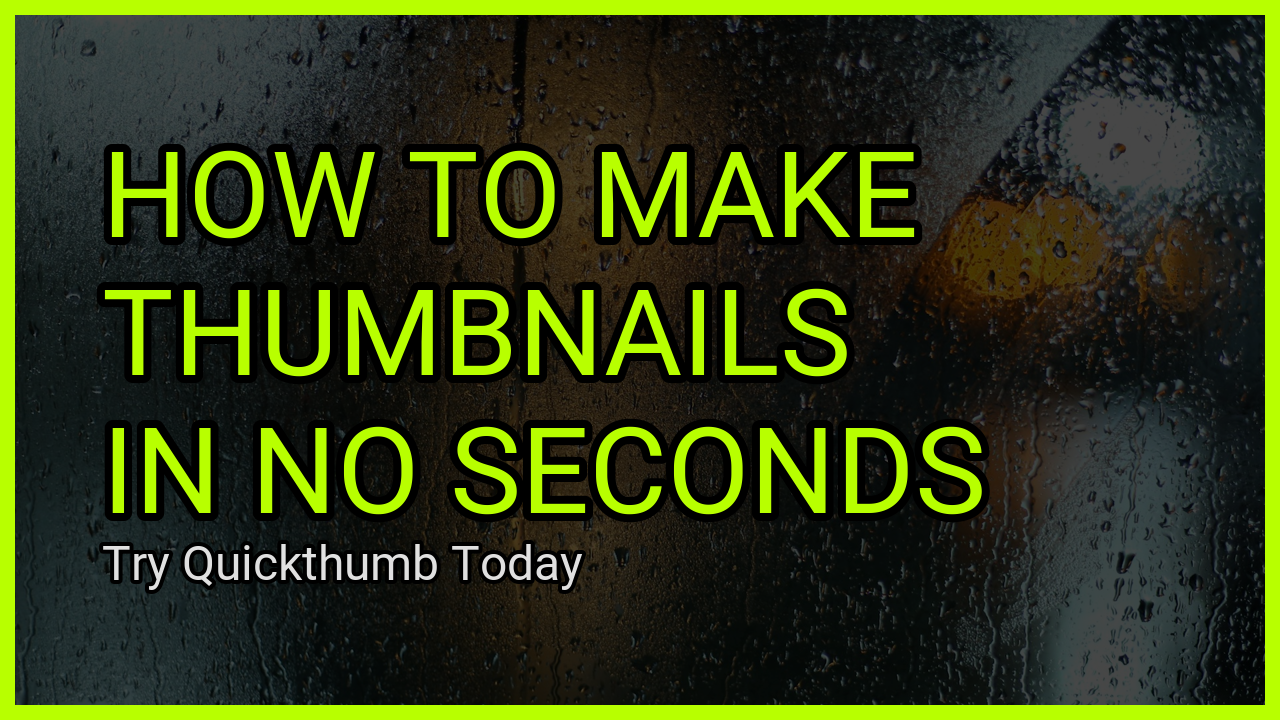 |
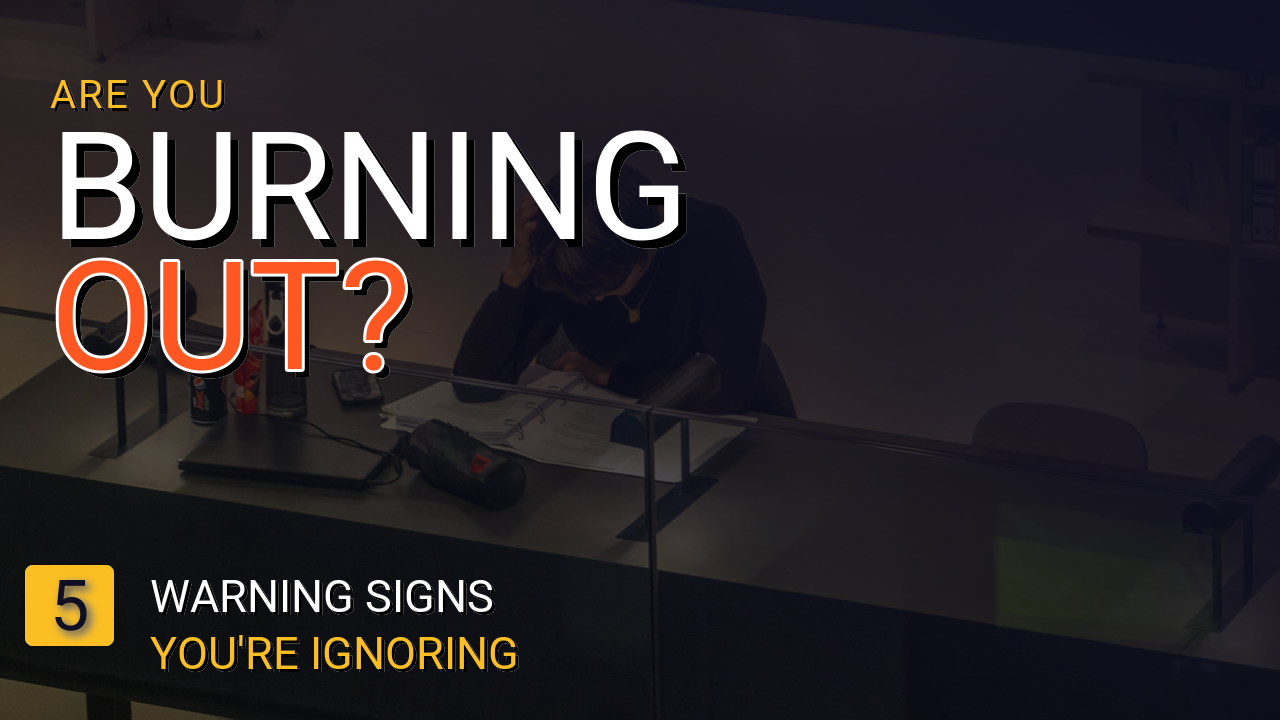 |
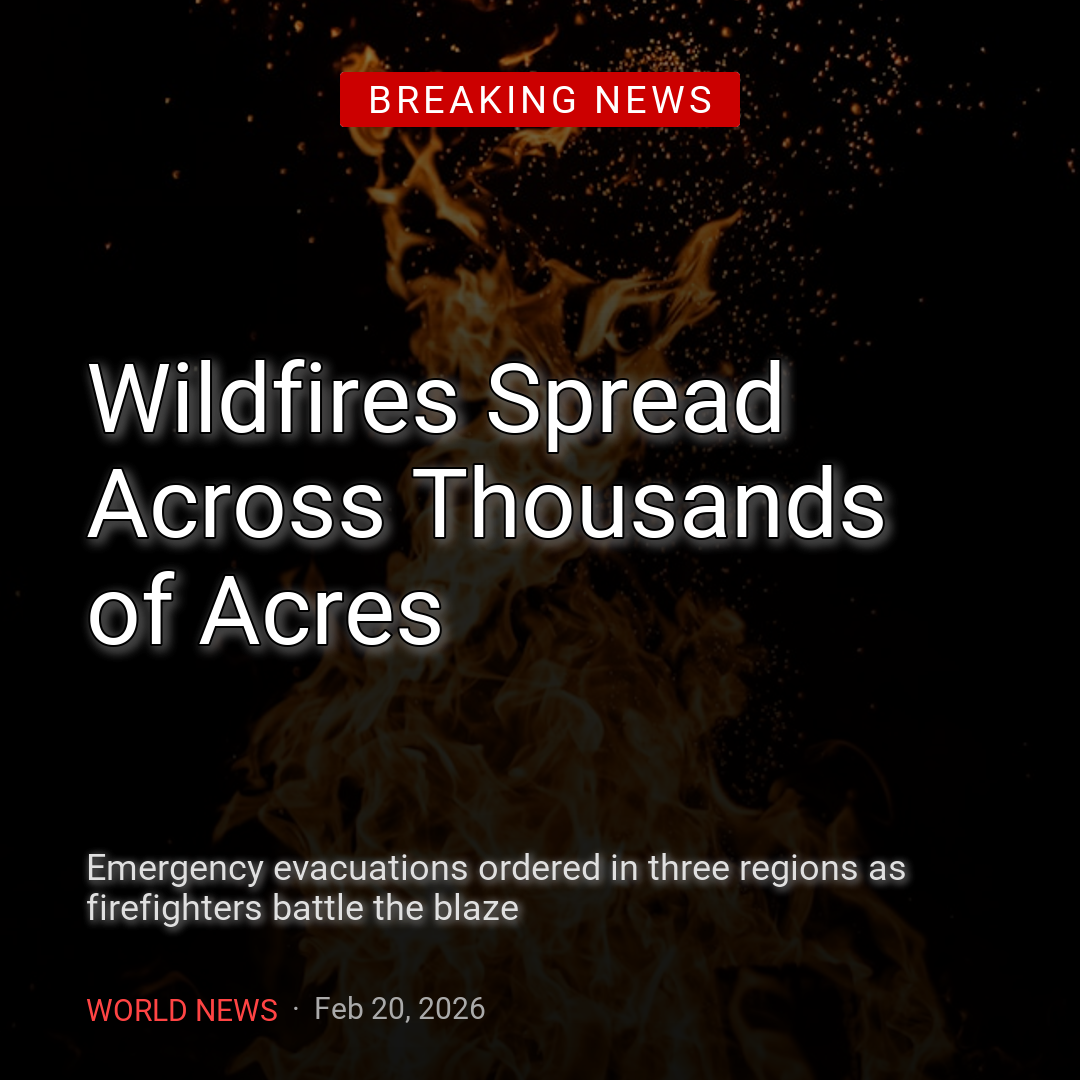 |
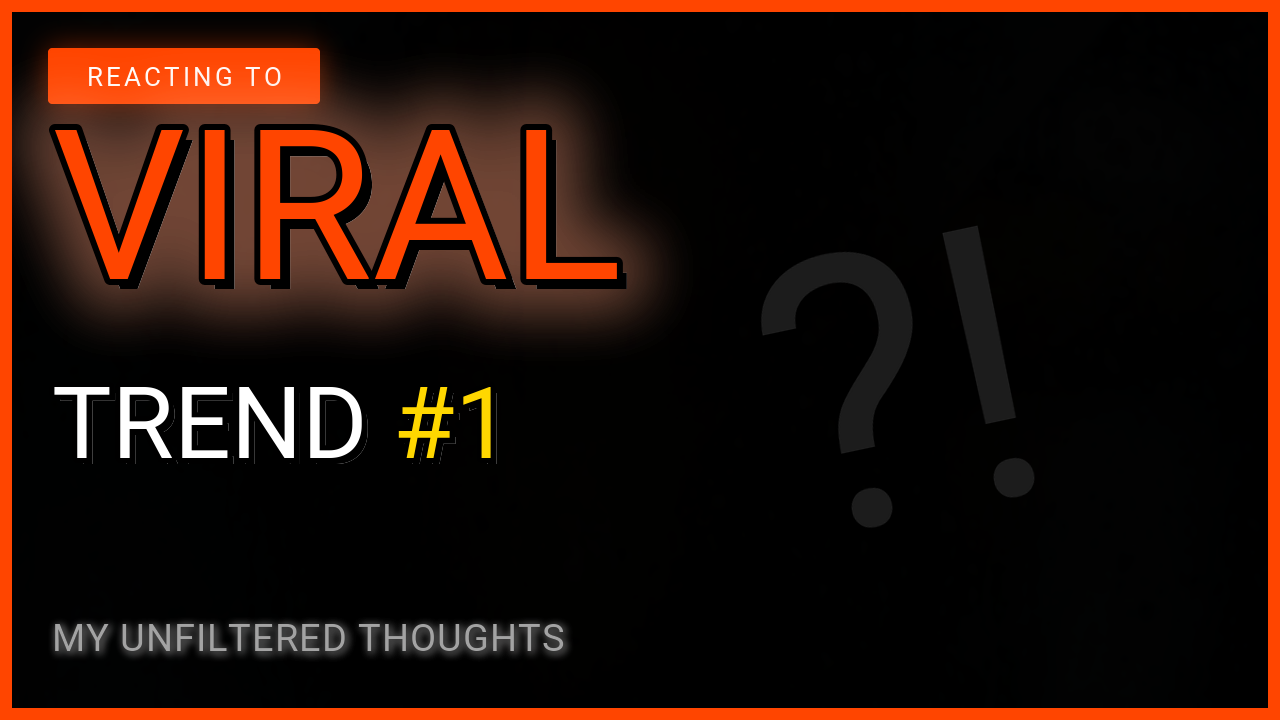
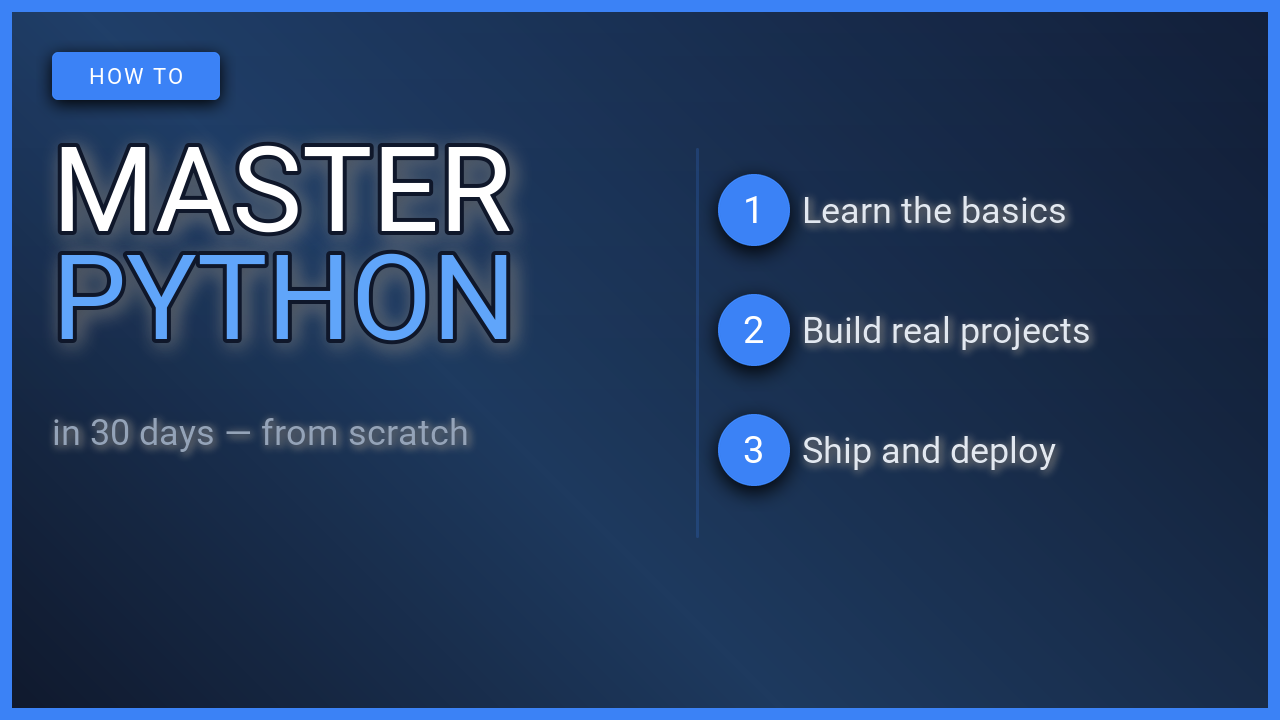
| Talking Head | Reaction / Commentary | Tutorial / Explainer |
|---|---|---|
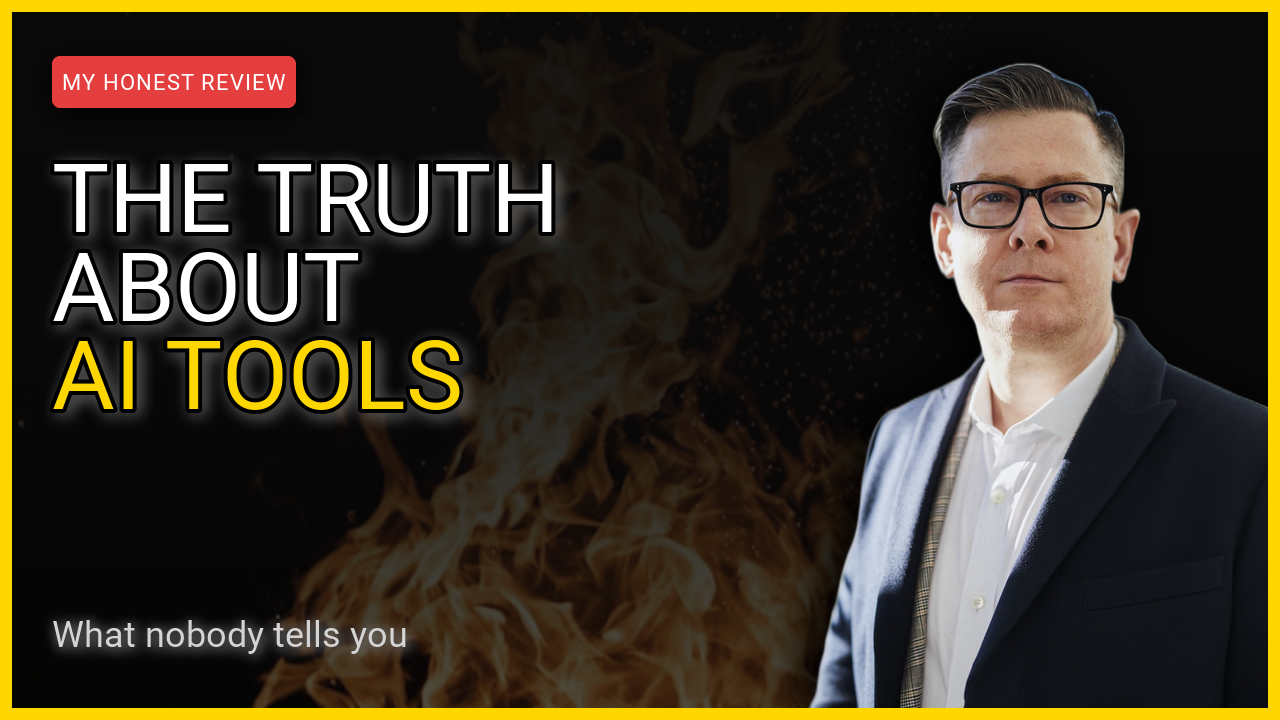 |
 |
 |
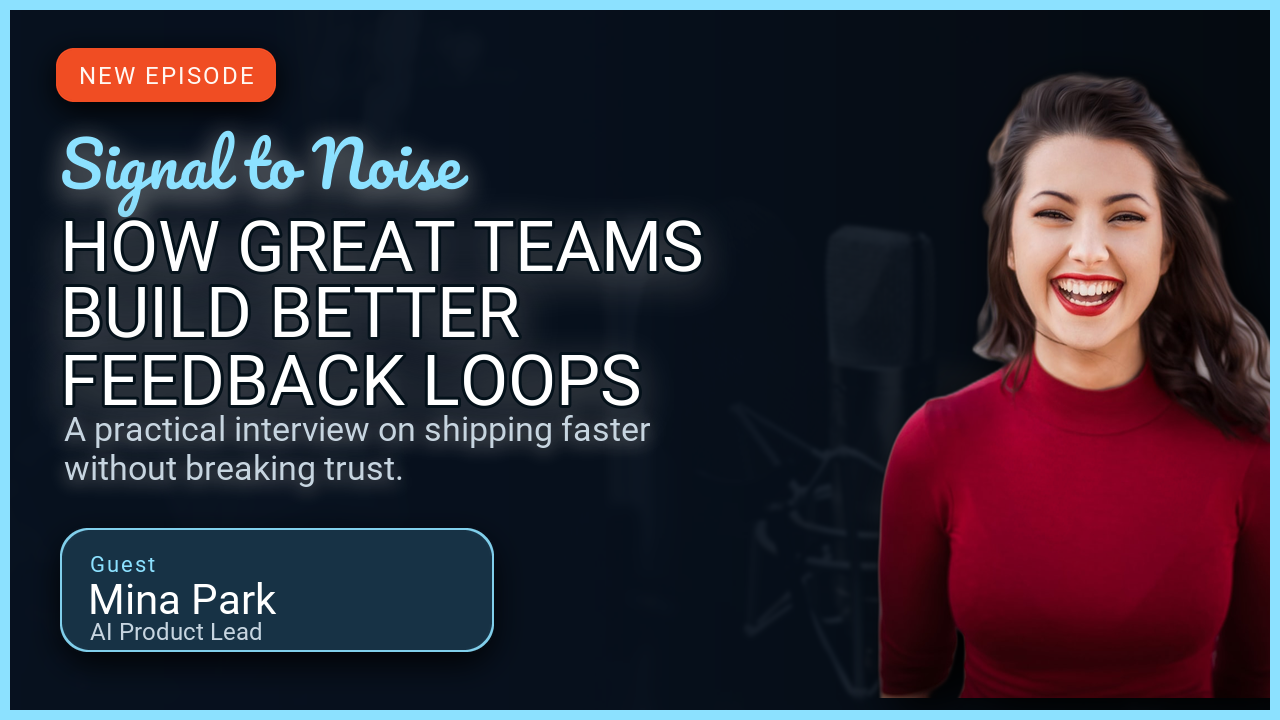
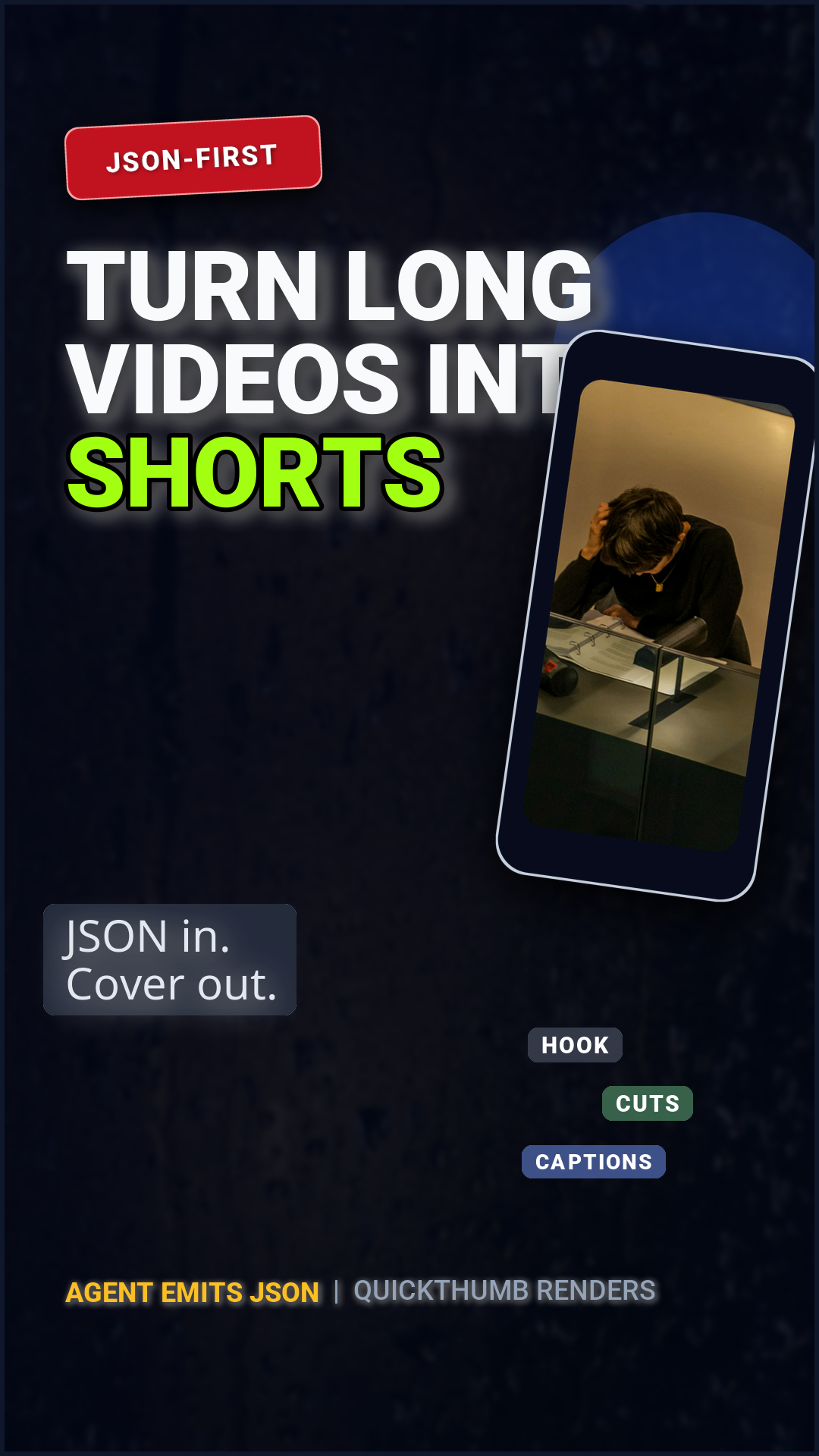
| Podcast Promo | Shorts / Vertical Cover | Launch Announcement |
|---|---|---|
 |
 |
 |
Recipes
| Recipe | Format | Highlights |
|---|---|---|
| YouTube Thumbnails | 1280×720 | Three layouts: text-only, burnout theme, talking-head split |
| Instagram Card | 1080×1080 | Breaking news card with gradient overlay and rich text |
| Podcast Promo | 1280×720 | Remote images, webfont URL, portrait cutout with rembg |
| Shorts / Vertical Cover | 1080×1920 | JSON-first workflow driven by an AI-generated spec |
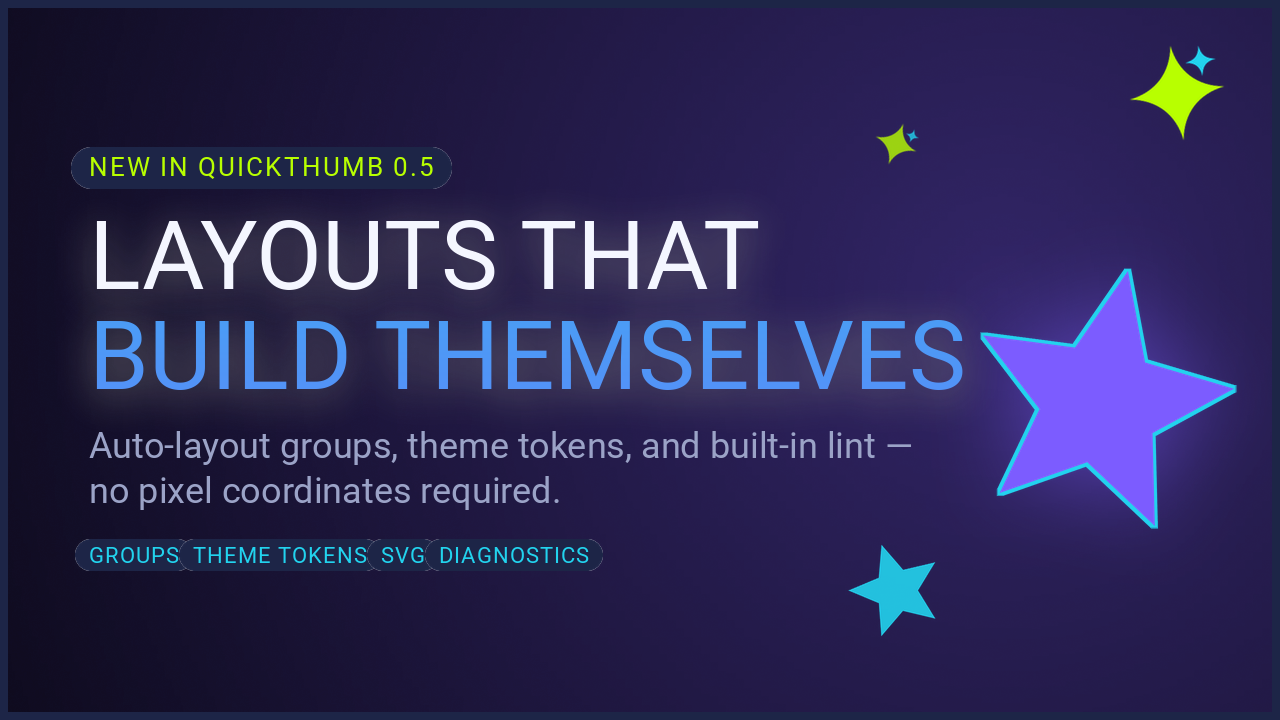
| Launch Announcement | 1280×720 | Auto-layout groups, theme tokens, star shapes, SVG layers, grain, diagnostics |
| AI Workflow | Any | End-to-end: prompt → JSON → render → iterate |
| Webfonts & Background Removal | Any | Webfont URLs and remove_background walkthrough |
Prerequisites
All recipes assume quickthumb is installed:
Some recipes use remove_background=True and require the rembg extra:
Asset paths
The code snippets below use placeholder paths like "background.jpg" and "portrait.png". Swap these for your own local files or remote URLs — quickthumb accepts both.