quickthumb
Programmatic thumbnail and social image generation — layered Python and JSON APIs built for speed, AI workflows, and creative control.
Gallery
| YouTube Thumbnail | Burnout Thumbnail | Instagram News Card |
|---|---|---|
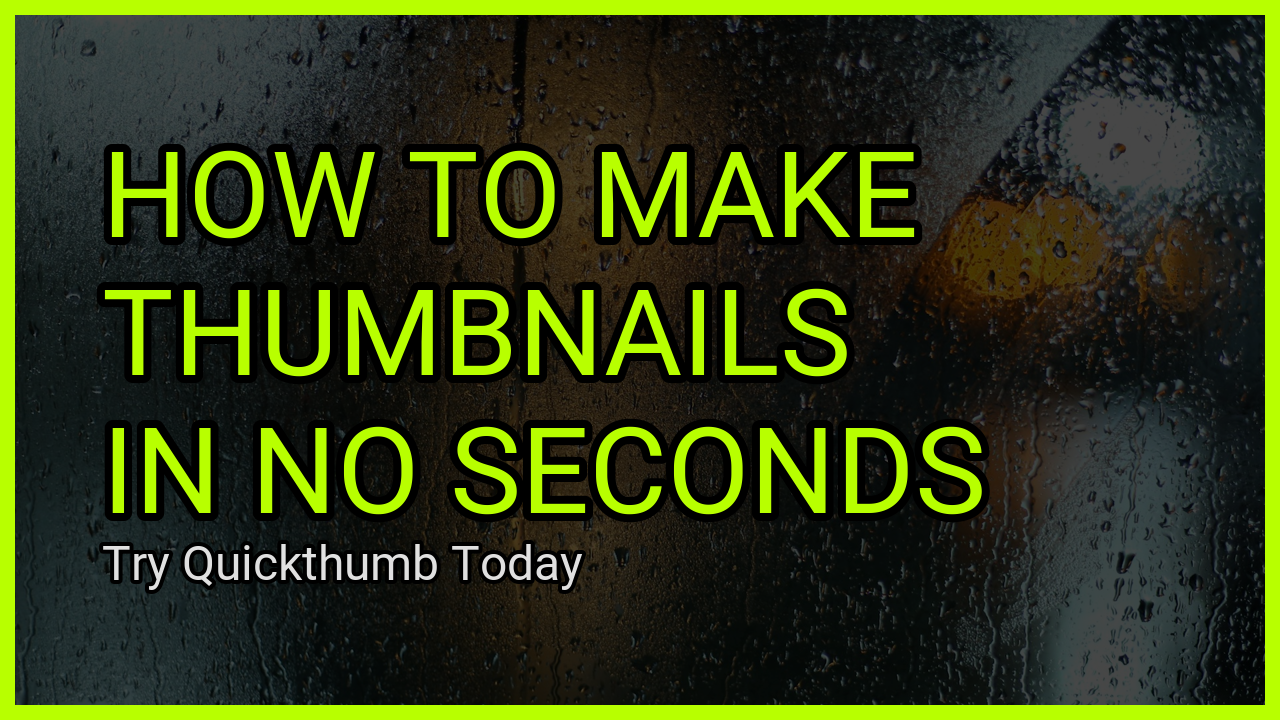 |
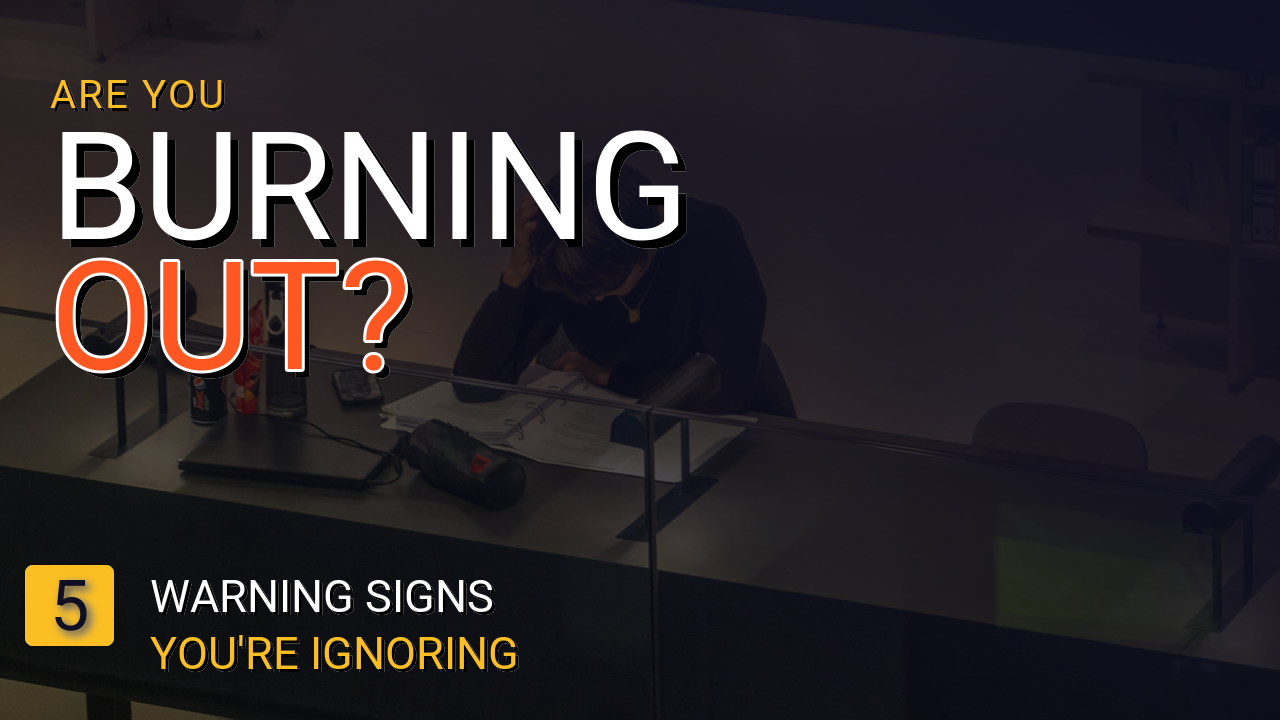 |
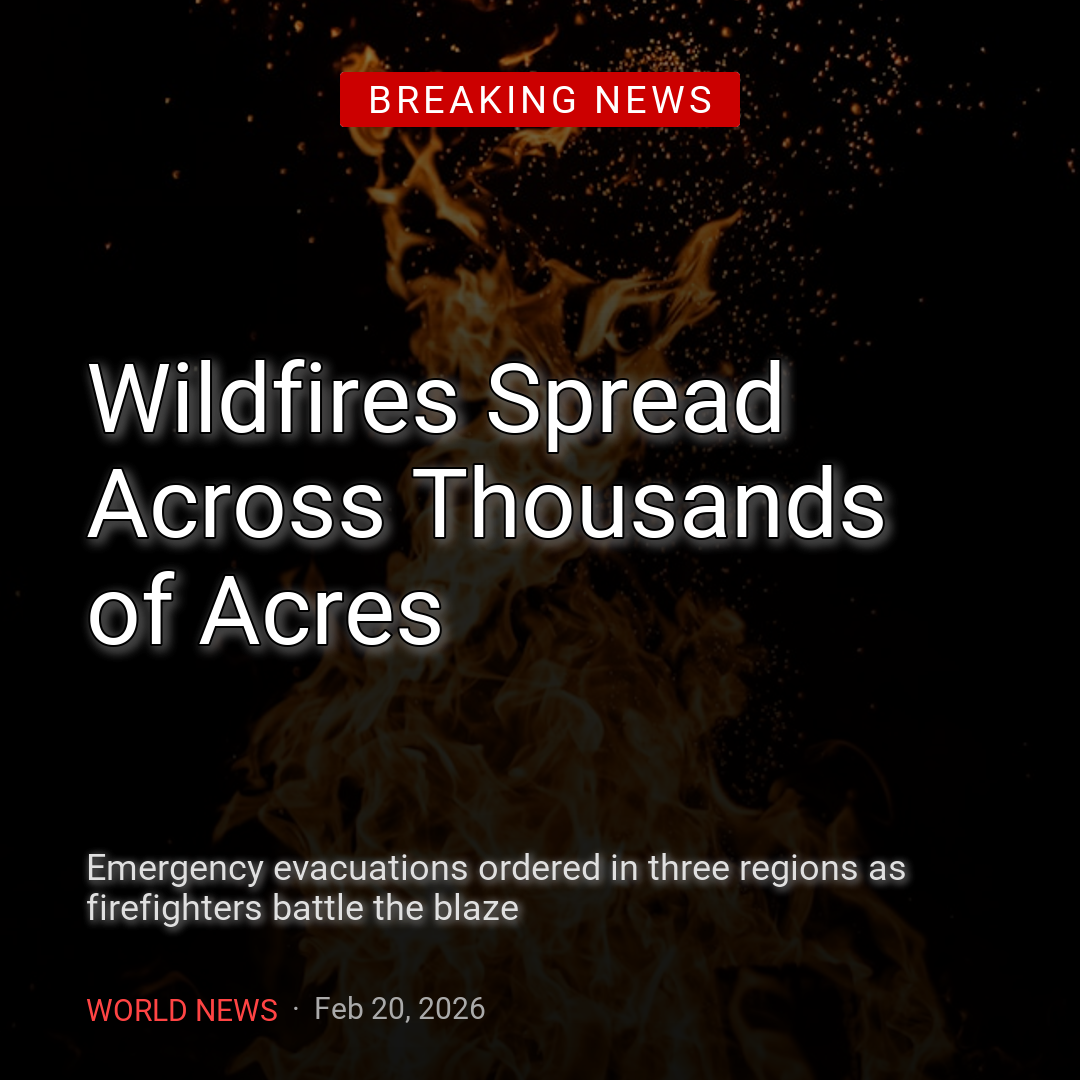 |
| Talking Head | Reaction / Commentary | Tutorial / Explainer |
|---|---|---|
 |
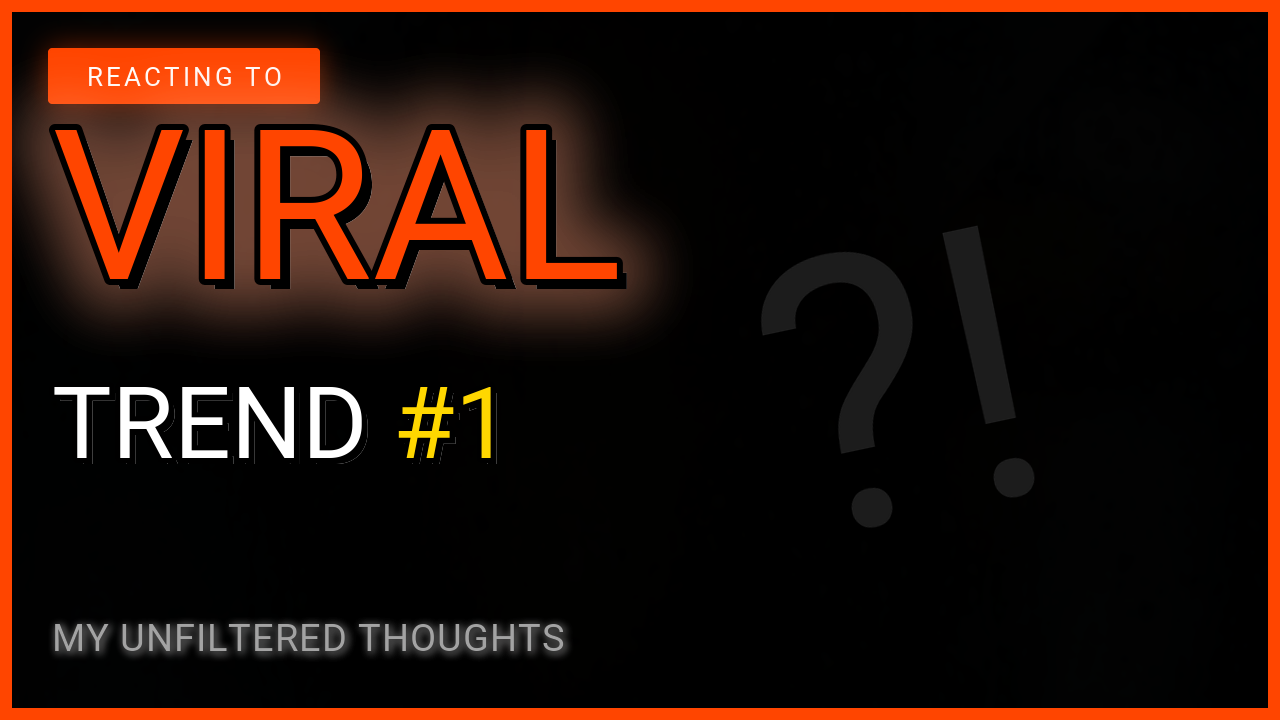 |
 |
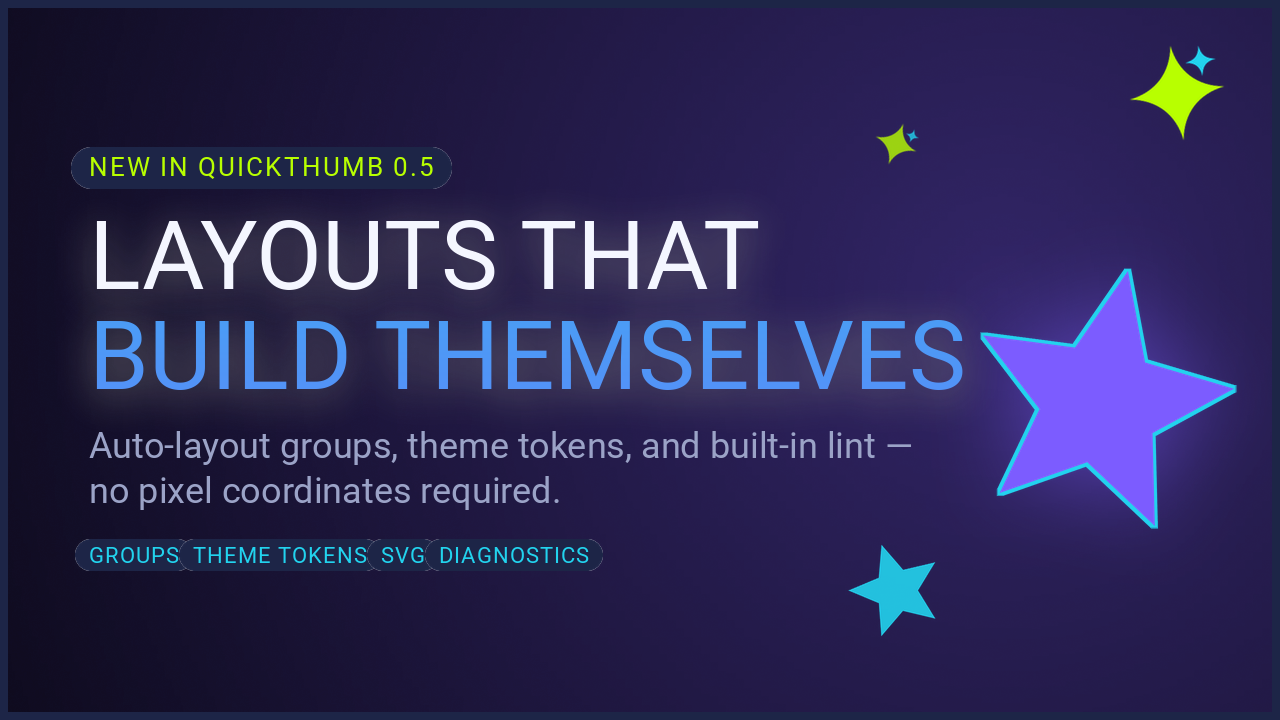
The launch announcement card above is a single JSON spec using theme tokens, auto-layout group layers, star shapes, and svg sparkles — see the cookbook recipe.
Install
Quick Start
from quickthumb import Canvas, Filter, Stroke, Shadow, TextPart

canvas = (
    Canvas.from_aspect_ratio("16:9", base_width=1280)
    .background(
        image="https://images.unsplash.com/photo-1516321318423-f06f85e504b3",
        effects=[Filter(brightness=0.65)],
    )
    .background(color="#000000", opacity=0.45)
    .text(
        content=[
            TextPart(text="BUILD THUMBNAILS\nFAST\n", color="#B8FF00",
                     effects=[Stroke(width=8, color="#000000")]),
            TextPart(text="With Python or JSON specs", color="#F5F5F5", size=44,
                     effects=[Shadow(offset_x=2, offset_y=2, color="#000000", blur_radius=4)]),
        ],
        size=112,
        position=("8%", "50%"),
        align=("left", "middle"),
        weight=900,
    )
    .outline(width=14, color="#B8FF00")
)

canvas.render("thumbnail.png")
Why quickthumb
- Layer-based composition — backgrounds, text, images, shapes, and SVGs stack in call order
- Works with Python method chaining and JSON specs — same result either way
- Remote images, webfonts, gradients, blend modes, and rich text out of the box
- Auto-layout
grouplayers and JSONthemetokens — specs survive copy changes and rebrands - Built-in diagnostics (
canvas.diagnose()/quickthumb lint) catch off-canvas layers, tiny text, and low contrast before you ship - Good fit for AI-assisted workflows that need deterministic, validatable image specs
Community & Support
- Bug report or feature request: GitHub Issues
- Questions and ideas: GitHub Discussions